
LCD Control with PyQt5 and Arduino
A system that sends two lines of text and a display-animation mode from a desktop interface to a 16×2 LCD over serial.
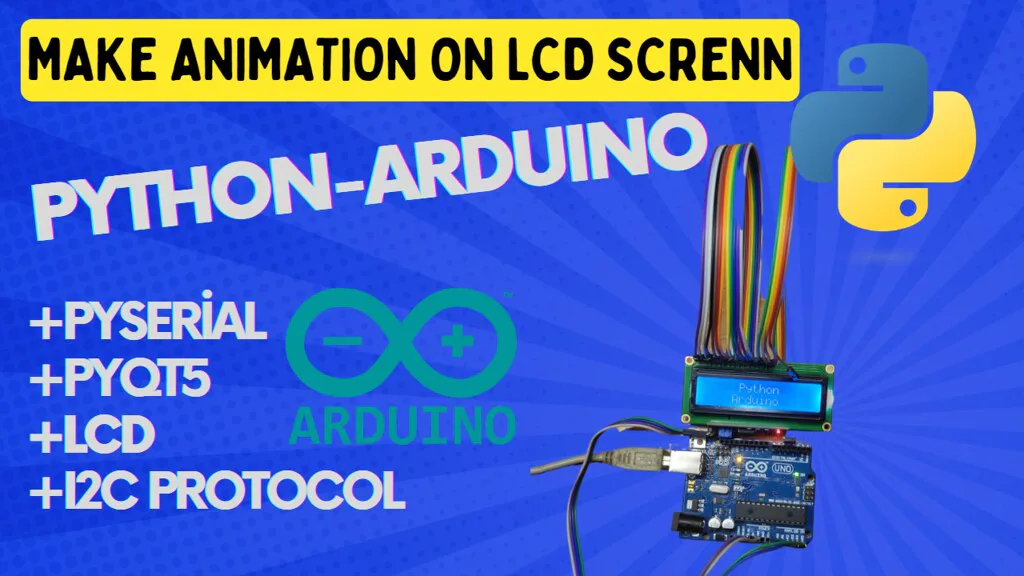
About the Project
This two-part application transfers text and display behavior from a PyQt5 desktop interface to an Arduino-driven 16×2 LCD. Users can enter two lines and select direct, centered, scrolling, character-by-character, or flashing output.
How It Works
The Python interface validates line lengths against the LCD capacity and sends the text together with an animation code through PySerial. Arduino splits the message and dispatches it to lcdDrctPrint, lcdMidPrint, lcdScrllRigth, lcdOnebyOnePrint, lcdScrllLeft, or lcdFlashingPrint. The selected animation continues until new serial data arrives.
Technologies
- PyQt5: text input, animation selection, and preview.
- PySerial: transport at 9600 baud.
- Arduino / LiquidCrystal_I2C: message parsing and LCD animations.
Project Structure
PyQt5_interface_LCD.py: desktop UI and serial message generation.lcd_arduino/lcd_arduino.ino: LCD driver and six display modes.
Hardware
Arduino Uno/Mega/Nano, PCF8574 I/O expander, and 16×2 LCD.